

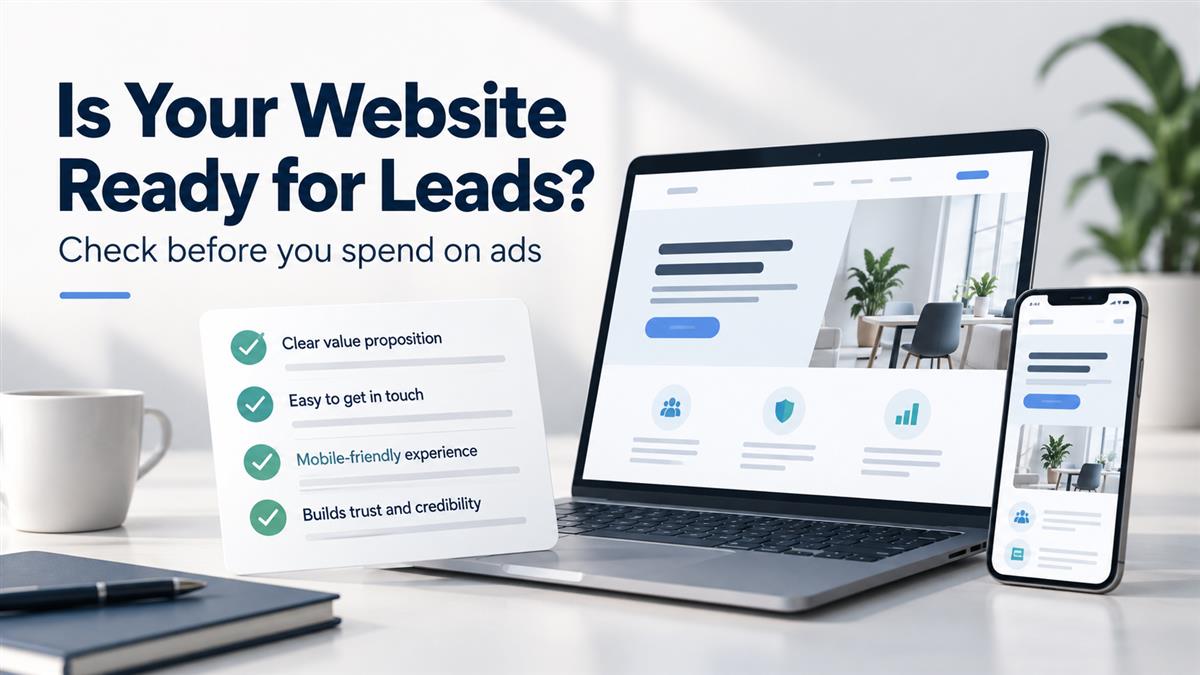
More website traffic is useful only when visitors can understand your offer and take the next step. Before increasing an advertising budget, walk through the journey from an ad click to a real enquiry. A broken form, a vague service page or an unanswered inbox can interrupt that journey.
This website lead readiness checklist is for service businesses planning a campaign. Use it to identify practical fixes before sending more people to your website. You do not need to redesign everything: start with the page your campaign will use.
1. Match the page to the promise in your ad
Read your ad and its destination page together. Do they describe the same service, audience and next step? Someone clicking an ad for an ecommerce website should quickly find information about ecommerce work, rather than having to explore a general services directory.
At the top of the page, explain what you offer, who it is for and how to enquire. Keep the wording specific. “Get a quote for your business website” gives a visitor more direction than a headline that simply says “We build your future.”
Check: Could a person unfamiliar with your company explain the offer after reading the opening section?
2. Give visitors one clear next step
Choose the main action for the page: request a quote, book a conversation or submit a project brief. Use a button label that describes that action and repeat it where it helps readers act.
You can still offer a phone number or another contact route. The aim is to make the main route easy to identify. Avoid asking a visitor to choose between several equally prominent actions before they understand your service.
Check: Does every main enquiry button lead to the intended form, booking page or contact method?
3. Answer the questions a buyer needs resolved
A service name alone rarely gives someone enough information to enquire confidently. Explain what the work includes, what information you need from the client and what happens after they contact you.
For a website project, for example, clarify whether the proposed scope can include content, design, development and ongoing support. Explain that cost and timing depend on the agreed requirements if you cannot provide a fixed price. Do not promise a delivery date before understanding the project.
Check: Are scope, process and the next step clear without requiring a phone call for every basic detail?
4. Put relevant proof near your claims
Show work that helps a prospective customer assess your ability to handle their project. This could be a relevant portfolio example, an approved customer testimonial or a case study with a clearly described problem and solution.
Keep the evidence accurate. A portfolio screenshot shows design work; it does not establish that the website increased revenue. Use measured results only when you have supporting records and permission to share them. If you do not have a relevant case study, describe your process and deliverables plainly.
Check: Can each performance claim be supported, and is the proof relevant to the service being advertised?
5. Complete the journey on a real phone
Open the destination page on a phone and behave like a new visitor. Read the headline, open the menu, follow the enquiry button and complete the form. Look for text that is hard to read, buttons hidden behind floating elements and popups that cover important content.
Try the page on a mobile connection as well as Wi-Fi. Note where images, videos or other elements delay the visitor’s ability to read or act. Start by fixing issues that prevent an enquiry, then review less urgent visual improvements.
Check: Can you reach and complete the primary action without zooming, confusion or blocked controls?
6. Test the form all the way to the inbox
A form can look correct while its notifications fail. Submit an authorised test enquiry with clearly labelled test details. Confirm that the page shows a useful success message and that the intended team receives the submission.
Ask only for information you need at this stage. A name, contact method and short description may be enough for an initial conversation; more complex services may need additional qualifying questions. Make required fields clear and ensure validation explains how to correct an error.
Check: Does the enquiry arrive with the information your team needs, and does the visitor know what happens next?
7. Define what you will measure
Decide what counts as an enquiry before evaluating the campaign. A click on a contact button and a successfully submitted form are different actions. Record them separately where your analytics setup supports it, and test that the events behave as expected.
Then connect website enquiries with the team’s assessment of lead quality. A simple record of the source, requested service and outcome can help distinguish relevant opportunities from spam or unrelated messages. Avoid putting names, email addresses or phone numbers into analytics event labels or URLs.
Check: Can you distinguish a visit, an attempted enquiry, a received enquiry and a qualified opportunity?
8. Assign an owner for incoming enquiries
Agree who monitors each contact channel and who covers absences. Give the team a practical response process: acknowledge the enquiry, understand the requirement and agree on the next step. If your website states a response time, make sure the team can meet it.
Use what prospects ask to improve the page. Repeated questions about scope, location or support may indicate that useful information is missing.
Check: Does every enquiry have a clear owner and a recorded follow-up?
What should you fix first?
Start with failures that stop an enquiry: broken links, unusable mobile controls, failed submissions and missing notifications. Next, address unclear offers and missing buyer information. Once the journey works, test individual changes and compare both enquiry volume and quality. A working website does not guarantee campaign results, but it gives you a clearer basis for evaluating them.
Velocity Consultancy offers website design and performance marketing services. If you are preparing a campaign, share your website and campaign goals with our team to discuss the page, enquiry flow and improvements your project may need.
Frequently asked questions
What is a website lead readiness checklist?
A website lead readiness checklist helps you review whether visitors can understand your offer, find relevant information and successfully contact your business. It covers your message, calls to action, mobile experience, forms, measurement and enquiry follow-up.
What should I check on my website before running ads?
Check that the landing page matches your ad, explains the service clearly and provides a clear next step. Test the mobile experience, enquiry buttons, form submission, notification delivery and the process your team uses to respond.
Do I need a new website before starting a paid advertising campaign?
Not necessarily. Start with the page your campaign will use. Fix broken links, unusable mobile controls, failed forms and unclear information first. Consider a wider redesign if the existing website cannot support the experience your visitors need.
How do I test whether my enquiry form works?
Submit a clearly labelled test enquiry and confirm that the page displays a success message. Check that the intended team receives the submission with the correct information. Test on a phone as well as a desktop computer.
How should I measure website enquiries?
Track contact-button clicks and successful form submissions as separate actions where your analytics setup supports it. Compare received enquiries with qualified opportunities using your team records. Keep personal information out of analytics event labels and URLs.


 15+ Years Of Expertise
 100% Confidential